Video to PDF Notes
Upload a lecture, tutorial, meeting or course video and create searchable notes with summaries, chapters, key points and timestamps.
Only process videos you own or are authorized to use. Pro YouTube Notes Beta analyzes public YouTube links through Gemini when enabled; it does not provide video downloads.
No software install. Supports MP4, MOV, WEBM, MP3 and more.
Recommended output
Includes the transcript and one AI notes generation. Export notes alone or together with the transcript.
Files are private and can be deleted anytime.
How to Turn a Video into Notes
Upload a recording
Add a lecture, tutorial, meeting or course video you are allowed to process.
Generate structured notes
Create a summary, chapters, key points and timestamped transcript references.
Edit and export the notes PDF
Review the note blocks, keep the useful context, then download a searchable PDF.
What makes video notes different from a plain transcript?
A transcript is useful when you need exact wording, but most students and teams need a shorter review document. This page focuses on turning a long recording into structured notes: chapters, key ideas, action points, definitions and a searchable PDF that is easier to skim than raw captions.
Use it when the source is a mixed learning or work video, such as a class replay, internal training, creator tutorial, webinar or team update. The generated document is designed for review and editing, so you can keep the original transcript but work from a cleaner summary-first version.
Best fit: study notes, meeting recaps, creator summaries and reusable learning material.
Output style: edited notes first, with transcript and timestamps available as references.
Review workflow: search the transcript, clean key sections, then export PDF, Markdown or subtitles.
Preview structured video notes before you upload
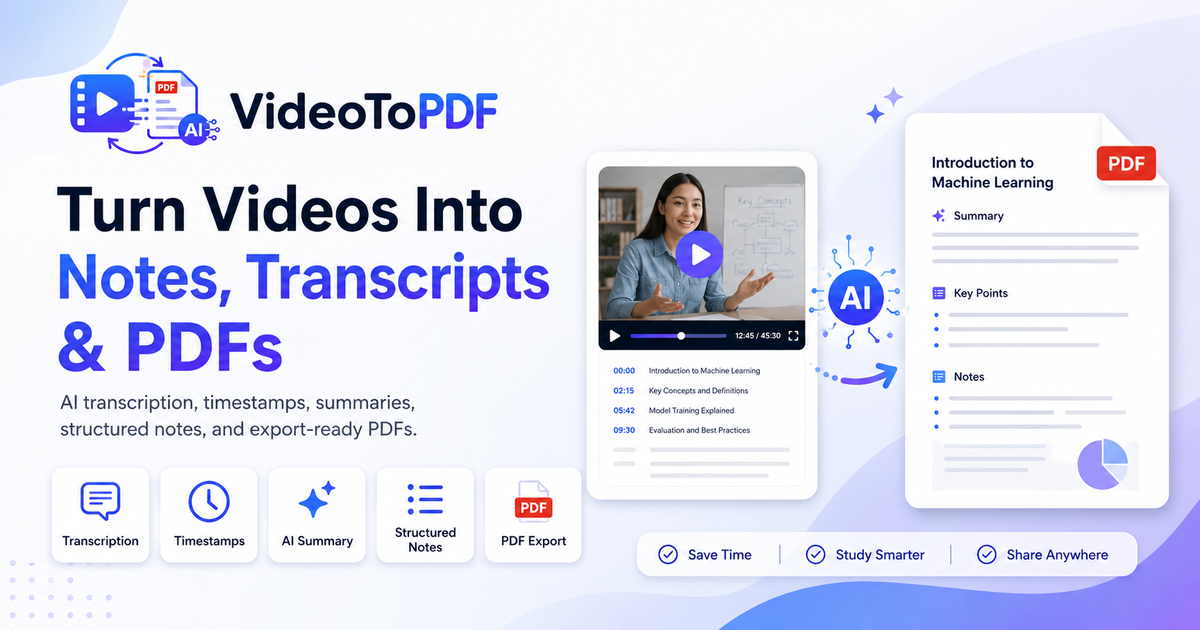
See how a long recording becomes chapters, key points, summary and editable transcript context.
Generated document
video-study-notes.pdf
Source
Video file
Mode
Notes PDF
Output
Study notes
Transcript
timestampsInstructor: The first section defines the core topic for this lesson.
Instructor: This example should become a key point in the notes.
Instructor: Use the chapter summary to review the lesson quickly.
AI notes: This moment becomes a chapter marker with supporting context.
AI notes: The export keeps the final takeaway linked to the source timestamp.
Study notes
Summary
- Video notes are shorter and easier to review than raw captions.
- The workflow keeps transcript context available.
- Best for classes, webinars, tutorials and team updates.
From a difficult recording to structured notes
Keep the source recording, then work from a searchable notes PDF with the context you need for review.
Designed for lessons, meetings and creators
Choose another PDF mode or workflow
Frequently asked questions
How do I turn a video into PDF notes?
Upload a video or audio file, choose Notes PDF, review the generated notes, then export the PDF from your workspace.
Can VideoToPDF summarize lecture videos?
The Notes PDF workflow organizes spoken content into summaries, chapters and key points so long lectures are easier to review.
Are timestamps included in the notes?
Timestamped transcript context is available to help you revisit the relevant moment in the original recording.
Can I edit the notes before exporting?
Yes. Review and edit generated note blocks in your workspace before you export the document.
Can I convert a meeting recording into action items?
Meeting-oriented notes can include decisions and action items when the recording provides enough spoken context.
What video formats are supported?
The uploader supports common formats including MP4, MOV, WebM and MKV. Audio formats are also available on compatible workflows.
Are uploaded videos private?
Uploads are tied to your workspace and can be deleted. Only upload files you own or have permission to process.
How is this different from Video to Transcript PDF?
Video to Notes emphasizes summaries, chapters and study-ready writing. Video to Transcript PDF is better when you need the spoken text preserved as the main document.
Can I use the notes as a blog or handout draft?
Yes. The notes are meant to be edited, reorganized and exported, so they can become class handouts, internal docs, newsletter drafts or review material.