AI Notes from Your Videos
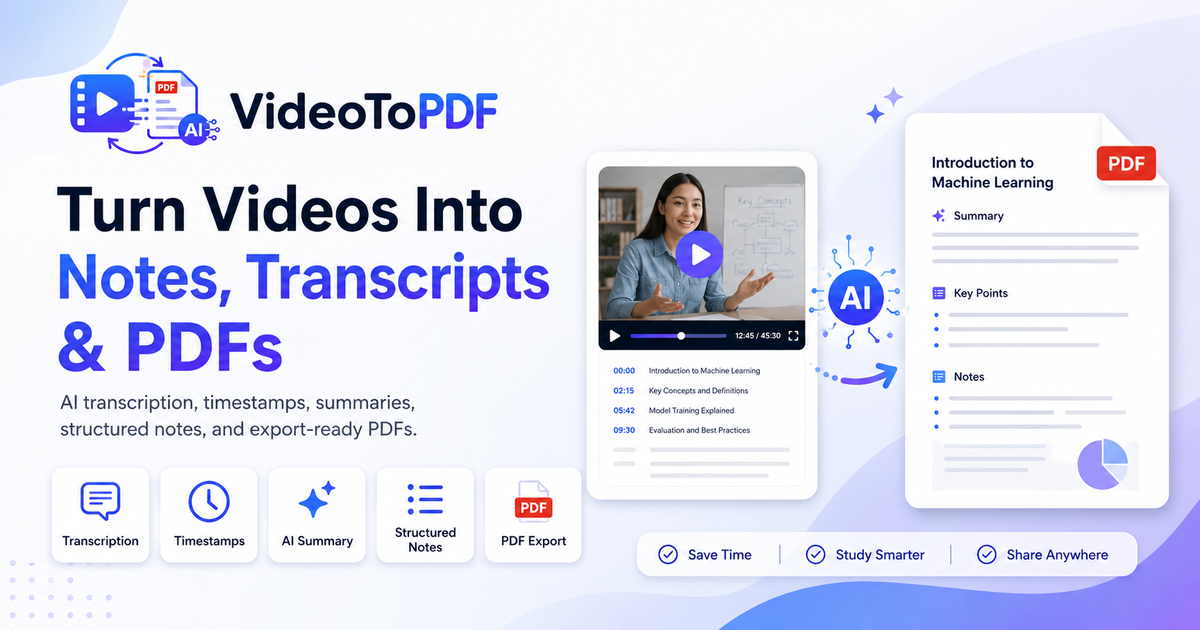
Turn meeting recordings, lectures, and study videos into AI notes, transcripts, summaries, and searchable PDFs.
Only process videos you own or are authorized to use. We never download videos from YouTube or other third-party platforms.
No software install. Supports MP4, MOV, WEBM, MP3 and more.
Choose your PDF mode
Includes transcript, timestamps, speaker labels, and searchable PDF.
Files are private and can be deleted anytime.
How to Convert Video to PDF
Upload your video
Add an MP4, MOV, WEBM or audio file from your device.
Choose transcript, notes or frames
Pick a PDF mode for searchable text, structured notes or visual screenshots.
Download your PDF
Export a clean document with timestamps, key points and selected visuals.
Not sure which PDF mode to choose? Learn how to convert a video to PDF using transcript, notes or frames. You can also convert video to PDF notes.
See the PDF-ready workspace before you upload
Choose how you want to turn your recording into a PDF: transcript-based notes, AI summaries, key screenshots or frame-based visual pages.
Generated document
video-to-pdf-example.pdf
Source
MP4 video
Mode
Notes + frames
Output
Searchable PDF
Transcript
timestampsHost: We will turn the recording into transcript notes and key screenshots.
Presenter: This section explains the workflow that needs a visual reference.
Host: The final PDF should be searchable and easy to share.
AI notes: This moment becomes a chapter marker with supporting context.
AI notes: The export keeps the final takeaway linked to the source timestamp.
Study notes
Summary
- VideoToPDF turns recordings into readable documents.
- Modes keep transcript, notes and visual pages distinct.
- The output is designed for review, sharing and search.
From long recordings to usable documents
Keep the source video, but work from the clean document your team or class can search, skim and share.
Built for studying, teaching and content creation
Upload video or audio files
Supported formats may vary depending on file size and audio quality.
Your videos stay private, temporary and removable
VideoToPDF is built for real study, teaching, creator and meeting workflows where source files can contain sensitive spoken content.
Private by default
Uploads are tied to your workspace and are not published, indexed or shared with other users.
Temporary storage
Files are retained only for your plan window so you can finish edits and exports.
Delete anytime
Remove source files and generated documents from your workspace whenever you no longer need them.
Simple pricing for every workflow
Start free, then pick a plan that matches how much you convert.
Frequently asked questions
Can I convert a video to PDF online?
Yes. Upload an MP4, MOV, WebM, or audio file, choose the PDF mode you need, and VideoToPDF will generate a downloadable PDF with transcript, notes, summary, or key frames.
Does VideoToPDF create screenshots or transcripts?
Yes. VideoToPDF can create transcript-based PDFs, summary PDFs, and frame-based PDFs. You can choose whether you want searchable text, structured notes, or visual screenshots from your video.
What video formats are supported?
VideoToPDF supports common video and audio formats including MP4, MOV, WebM, MKV, MP3, M4A, WAV, AAC, and OGG. Availability may depend on file size, duration, and audio quality.
Can I export subtitles?
Yes. In addition to PDF, VideoToPDF can export transcript formats such as TXT, Markdown, SRT, and VTT when available.