MP4 to PDF Converter
Upload a local MP4 from a lecture, meeting, tutorial or phone recording and choose a transcript PDF or notes PDF.
Only process videos you own or are authorized to use. Pro YouTube Notes Beta analyzes public YouTube links through Gemini when enabled; it does not provide video downloads.
No software install. Supports MP4, MOV, WEBM, MP3 and more.
Recommended output
Creates the transcript once. Review it, then export PDF, TXT, SRT, or VTT without another AI call.
Files are private and can be deleted anytime.
How to Convert MP4 to PDF
Choose an MP4 file
Upload an MP4 from a phone, camera, Zoom export or screen recorder.
Select the PDF outcome
Choose transcript, notes or visual frames based on what you need to keep.
Download a readable document
Check the generated content and export a searchable PDF instead of replaying the video.
MP4 to PDF focuses on the most common video file workflow
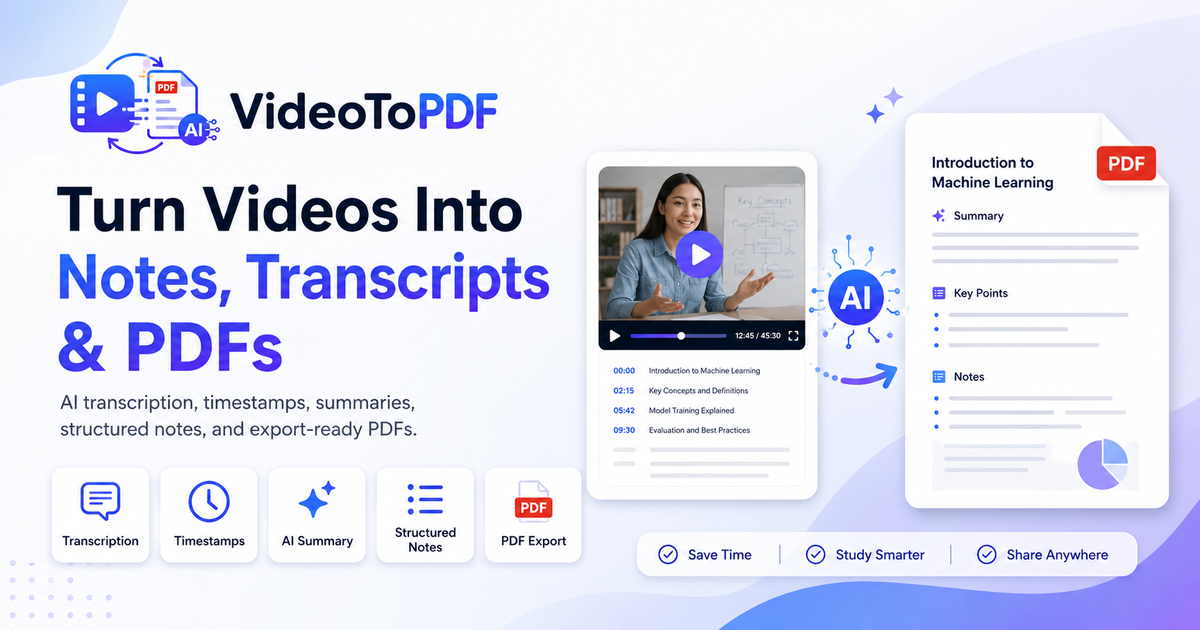
MP4 is the format most users export from phones, cameras, Zoom, screen recorders and course platforms. This page is built for people who already have an MP4 file and want a searchable PDF instead of a long recording. The document can include transcript text, summaries, chapters and timestamps.
Unlike a generic video converter, the goal is not to wrap the MP4 file inside a PDF. The goal is to extract the useful spoken and visual context so the result can be read, searched, shared and archived. That makes it useful for classes, tutorials, demos, webinars and recorded meetings.
Best fit: MP4 lectures, tutorials, meeting recordings, webinars and exported screen recordings.
Output style: searchable PDF notes with transcript and timestamp references.
Review workflow: upload MP4, generate transcript and summary, edit the result, then export.
Preview the result of an MP4-to-PDF conversion
See how a local MP4 becomes a searchable document with transcript, notes or selected visuals.
Generated document
mp4-tutorial-notes.pdf
Source
Local MP4
Mode
Transcript PDF
Output
Transcript PDF
Transcript
timestampsCreator: First, open the dashboard and choose the weekly report template.
Creator: The export should preserve each step and the timestamp.
Creator: Now we can share the MP4 content as a clean PDF.
AI notes: This moment becomes a chapter marker with supporting context.
AI notes: The export keeps the final takeaway linked to the source timestamp.
Study notes
Summary
- MP4 is converted into readable content instead of embedded video.
- The PDF can include transcripts and notes. For screenshots, use the local Video Frames to PDF tool.
- Useful for lectures, meetings, tutorials and phone recordings.
Turn MP4 recordings into reusable documents
Choose the workflow that matches your recording
Each workflow is designed around a different kind of source material and PDF outcome.
Upload video or audio files
Supported formats may vary depending on file size and audio quality.
Frequently asked questions
Can I convert MP4 to PDF online?
Yes. Upload the MP4 file and VideoToPDF creates a transcript, notes and a searchable PDF document.
Does it support large MP4 files?
The online uploader accepts MP4 files up to 250 MB. Processing limits can also depend on your plan and the recording length.
Will the PDF include timestamps?
Yes. The generated transcript and subtitle exports include timestamps.
Can I export formats besides PDF?
Yes. TXT, Markdown, SRT and VTT exports are available from the workspace.
Does MP4 to PDF mean embedding the video file?
No. VideoToPDF extracts useful content from the MP4, such as transcript, notes, chapters and timestamps, then turns that into a readable PDF.
Can I convert MP4 files from Zoom or a phone?
Yes. MP4 files from phones, Zoom, cameras, screen recorders and course platforms are good candidates as long as the audio is clear enough.