
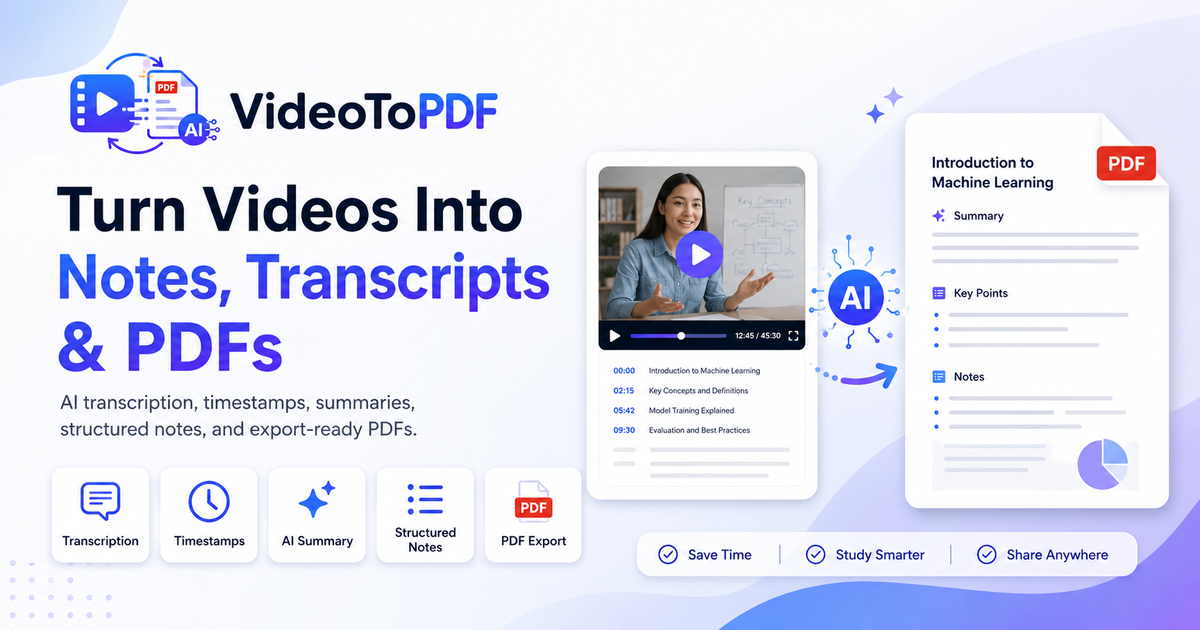
Screen Recording to PDF
Turn spoken screen recordings, demos and walkthroughs into searchable transcript PDFs and structured notes.
Only process videos you own or are authorized to use. Pro YouTube Notes Beta analyzes public YouTube links through Gemini when enabled; it does not provide video downloads.
No software install. Supports MP4, MOV, WEBM, MP3 and more.
Recommended output
Creates the transcript once. Review it, then export PDF, TXT, SRT, or VTT without another AI call.
Files are private and can be deleted anytime.
How to Convert Screen Recording to PDF
Upload the screen recording
Add a software demo, bug reproduction, onboarding walkthrough or process video.
Capture the important states
Keep the UI steps and spoken instructions that explain how the workflow works.
Export a visual guide
Review the sequence and download a documentation PDF with screenshots and timestamps.
Screen recording PDFs are documentation for visual workflows
Screen recordings are often used to explain software, dashboards, design reviews, bug reports or operational processes. A useful PDF needs more than transcript text: it should preserve important screen states and connect them to the spoken explanation.
This page is tuned for people building documentation from demos and walkthroughs. The result can become an onboarding guide, product support article, QA record or internal process document that is easier to scan than a long screen recording.
Best fit: software tutorials, product demos, bug reproductions and workflow walkthroughs.
Output style: documentation PDF with key screenshots, timestamps, transcript notes and summary.
Review workflow: capture important UI states, add context, then export a shareable guide.
Preview a screen-recording documentation PDF
See visual workflow steps connected to timestamps, transcript notes and a concise summary.
Generated document
screen-recording-guide.pdf
Source
Screen capture
Mode
Frames PDF
Output
Step guide
Transcript
timestampsTrainer: Start on the settings screen and open the billing tab.
Trainer: This error state is the one support needs to document.
Trainer: The final checklist confirms every step is complete.
AI notes: This moment becomes a chapter marker with supporting context.
AI notes: The export keeps the final takeaway linked to the source timestamp.
Study notes
Summary
- Screen recording PDFs work like draft documentation.
- They preserve visual steps and spoken context.
- Useful for tutorials, QA reports and product support.
Great for product demos and process documentation
Choose the workflow that matches your recording
Each workflow is designed around a different kind of source material and PDF outcome.
Frequently asked questions
Can I turn a screen recording into a PDF?
Yes. VideoToPDF converts the spoken content into a searchable transcript and structured notes.
Is this useful for tutorials?
Yes. It works well for product walkthroughs, software tutorials, onboarding videos and training recordings.
Can the PDF include screenshots?
Yes. Use the Video Frames tool to capture screenshots locally and download a timestamped PDF without uploading the video.
Can I edit the notes?
Yes. Transcript and note blocks can be reviewed before export.
Can I use this for bug reports?
Yes. A screen recording PDF can preserve key steps, timestamps and notes so engineers can review the issue without watching the full video.
Does this replace product documentation?
It can create a strong draft. Teams can edit the generated notes and screenshots into polished docs or support articles.